
Squeeze Play Setups

Squeeze Play Setups Image
RUN IN STOCK SCREENER
(986)

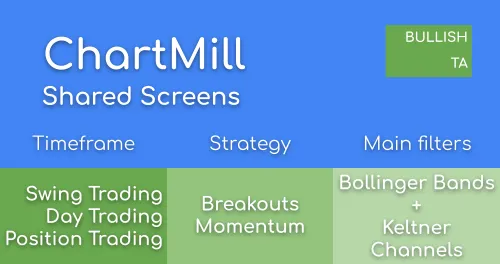
This screen finds squeeze play setups on stocks that are in a strong uptrend. A squeeze play setup occurs when the Bollinger Bands are inside the Keltner channels. When this happens, the stock has been trading in a narrow range for a while. A major move could happen when the stock breaks out of this trading range.

Day TradingSwing TradingPosition Trading
Momentum
Breakout Trading
Shared by user chartmill - 12 years ago

Related Articles

Article thumbnail

Finding Stocks Ready to Break Out of Consolidations with Squeeze Plays (Bollinger Bands and Keltner Channels)

Find consolidations based on the Bollinger Band Squeeze criteria by using the Keltner Channels

Article thumbnail

Keltner Channels

Keltner Channels are used to identify price levels where the existing trend changes direction at the time the price breaks out of the channel or to visualize overbought and oversold levels in consolidating markets.

Article thumbnail

TRADERS - Tsunami Setups

Tsunami Setups or Squeeze Play Setups can lead to great breakouts

Article thumbnail

Navigating the Volatility: Bollinger Bands Explained

Bollinger Bands® is a dynamic indicator designed to measure volatility. It consists of three lines. A middle, upper, and lower band. The middle band is a simple moving average (SMA), set at 20 periods by default. The outer lines are standard deviations, representing the degree of price dispersion around that middle band.

Article thumbnail

General Trading Tips & FAQ

Some general pointers on trading, setups, position sizing and money management.

Article thumbnail

Adjusting Basic Screening Filters To Find The Best Momentum Movers

In this article I will elaborate on a number of different screens that you can use to find qualitative momentum setups and I will go over a number of tweaks that allow you to fine-tune the screens so that they fit your personal situation even better.


Article thumbnail

Bollinger Bands Screener

The Bollinger Bands are used to measure the volatility of a stock. in this article we will have a look at the different screen options in ChartMill

Article thumbnail

Popular Screens: Momentum Squeeze Play Setups using Bollinger Bands

Momentum Squeeze Plays find consolidations after a strong move up, using the Bollinger Bands.

Article thumbnail

Trend Intensity Indicator

The Trend Intensity indicator measures the strength of the trend.

Article thumbnail

Best Indicators For Swing Trading Stocks | Enhance Your Swing Trading Setups.

Discover the best indicators for swing trading. Enhance your setups, maximize profits, and seize opportunities with effective strategies. Elevate your trading game today!

Article thumbnail

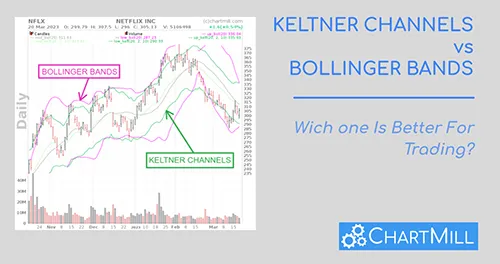
Keltner Channels vs Bollinger Bands: Which One Is Better For Trading?

In this article, we will explore the similarities and differences between Keltner Channels and Bollinger Bands and help you decide which indicator may be better suited for your trading style.

Related Videos

Stock Screener Settings

Average Volume: 50 SMA > 300K

This filters for stocks with a minimum average daily volume of at least 300K. This filter ensures liquidity.

Squeeze Play: Squeeze Play Daily Setup

This filters the squeeze play condition: the bollinger bands inside the keltner channels.

Trend Intensity: TI > 105

This filters for stocks showing a strong trend.

RUN
Chart Settings

The Bollinger Bands and the Keltner Channels are shown on the charts.

Regional Run

Run this screen in your favorite region. You can always further fine tune the screen by changing the general settings after it opened in the screener.