How to Use ChartMill part 9 Support and resistance filter capabilities

How to use ChartMill part 11 Setting up alert in the ChartMill stock screener

How to use ChartMill part 11 Setting up alert in the ChartMill stock screener

How to use ChartMill part 10  Create, Change and Customize Views

How to use ChartMill part 10 Create, Change and Customize Views

How to Use ChartMill part 9 Support and resistance filter capabilities
How to Use ChartMill part 9 Support and resistance filter capabilities
How to Use ChartMill part 8 Customizing Chart Settings
How to Use ChartMill part 8 Customizing Chart Settings

How to Use ChartMill part 7 Using the Position Sizing Tool

How to Use ChartMill part 7 Using the Position Sizing Tool

How to Use ChartMill part 6 Creating Custom Expressions in the Screener
How to Use ChartMill part 6 Creating Custom Expressions in the Screener

How to use ChartMill part 5 User account profile and settings
How to use ChartMill part 5 User account profile and settings

How to use ChartMill part 4 A complete ChartMill workflow
How to use ChartMill part 4 A complete ChartMill workflow

How to use ChartMill part 3 Making watchlists
How to use ChartMill part 3 Making watchlists

How to use Chartmill part 2 Making your own screening filters
How to use Chartmill part 2 Making your own screening filters

How to use Chartmill part 1 Introduction video

How to use Chartmill part 1 Introduction video

The Ultimate Sector & Industry Dashboard for Traders and Investors
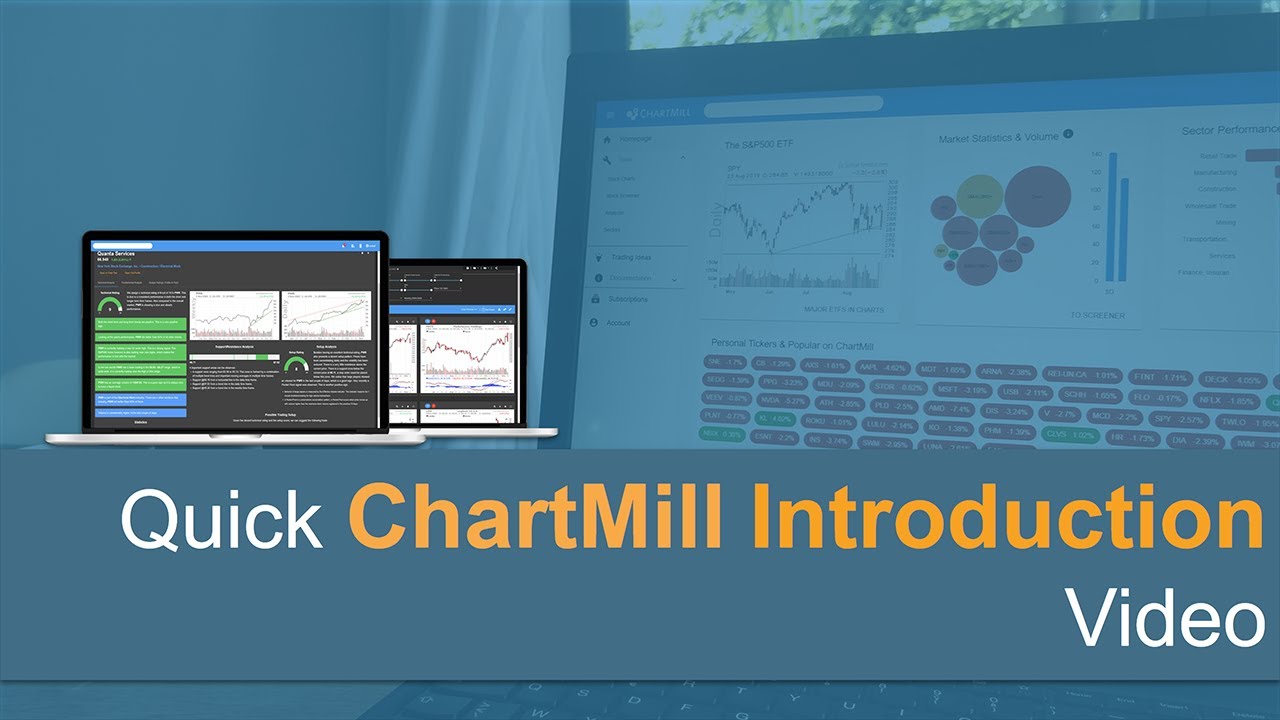
The Ultimate Sector & Industry Dashboard for Traders and Investors

Introduction Video ChartMill

Introduction Video ChartMill

Description

Did you know that the stock screener ChartMill is capable of automatically recognizing support and resistance levels? Even more so! You can use specific support and resistance filters to screen stocks based on their proximity to their next support or resistance zone and thus discover great swing trading setups!